We have an elephant in the room again. The black and white photos, otherwise referred to as grayscale. Some of you loved it, and few of you have contacted us saying that the design is great, but you would love to be able to see the colors of your photos.
At this point we are keeping the design as is, but we have received your suggestions and we will consider adding a toggle between serving color or grayscale photos on any of your designs, so for those who liked their photos in grayscale you may need to come back and toggle that switch once we add it. In case we forget to update this description after we add the future, the toggle would be available with other site options right here on this page.
Back to the design.
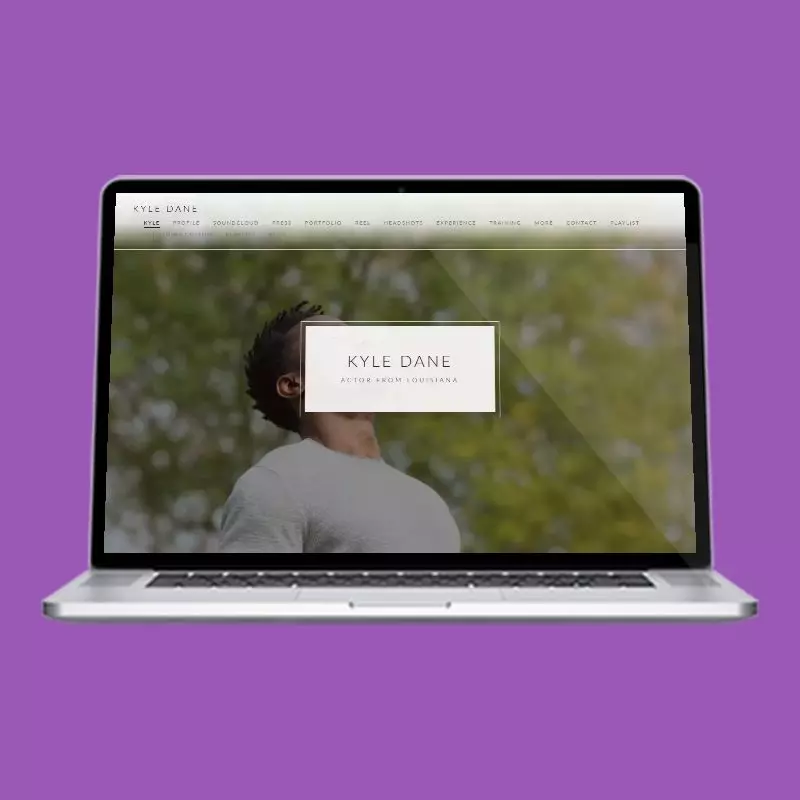
Lots of big images. Full screen image for the first look, then full height headshot with your bio. Credits section comes in a familiar timeline mode and the contact section comes with some icons you might have seen before as well.
Landing page gets a bit of "angled" fixture in the bottom left to ensure enough contrast space is available for your name and title, but those with long names can still experience overflow effect. On a grayscale image though, it still looks great and intentional. Menu opens up in full screen mode with a slick animation. Let us know if you need any other modifications here. There's plenty of room for tweaks.
What this one does
- Responsive on every screen size
- Acting headshots and reel gallery
- Audio and voiceover player
- Acting training and resume showcase
- Editable menu
Opens a real site built on this design, filled with a sample actor's photos, reel and resume. Nothing you see there is anybody's live account.
This one costs nothing, and so does every other actor website template. You can switch between them without rebuilding anything.
More designs